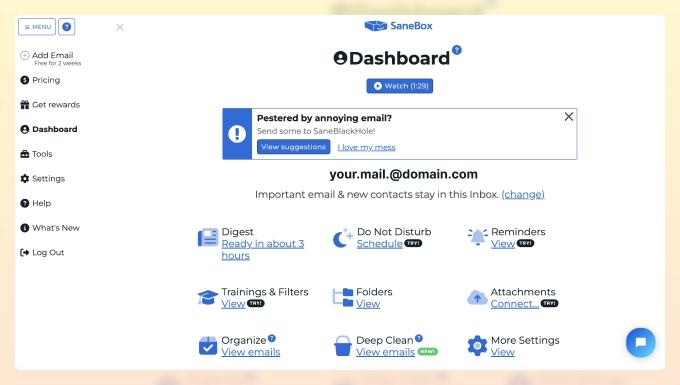
In the digital age, overflowing inboxes have become a universal challenge, turning what should be simple communication into a daily ordeal. Imagine a world where your emails effortlessly organize themselves, saving you time and sparing you the frustration of endless scrolling. Thanks to advances in artificial intelligence, this vision is no longer a distant dream but an accessible reality. By harnessing AI to automatically sort your emails, you can reclaim control over your inbox, enhancing productivity and focus. This article explores how intelligent algorithms are transforming email management, making chaos a thing of the past.
Table of Contents
- Harnessing AI for Effortless Email Organization
- Understanding the Algorithms Behind Smart Sorting
- Practical Tips to Customize AI Email Filters for Maximum Efficiency
- Q&A
- Final Thoughts
Harnessing AI for Effortless Email Organization
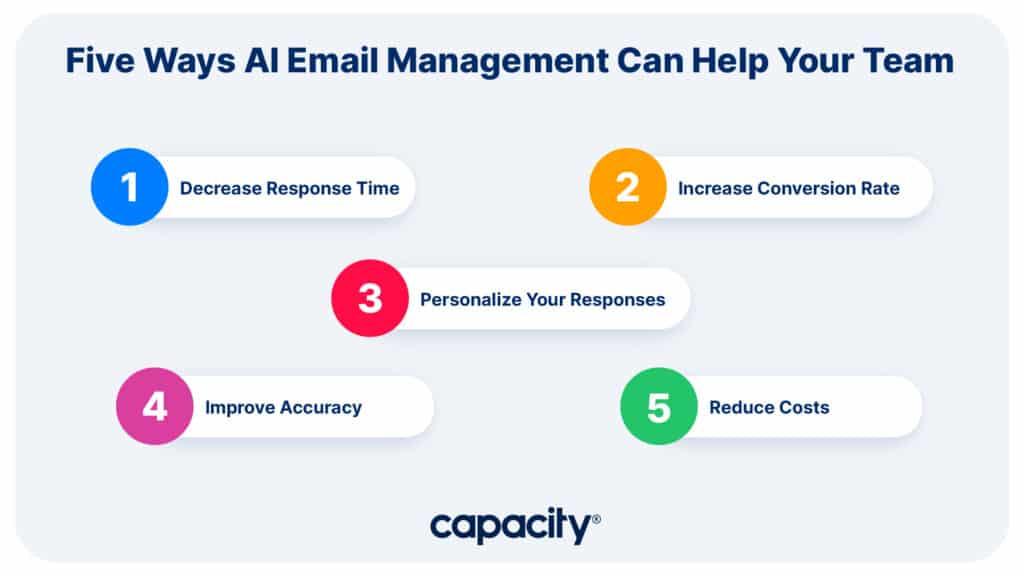
Imagine a digital assistant that seamlessly categorizes your inbox without requiring tedious filters or manual tagging. AI-powered email organization tools use natural language processing and machine learning algorithms to analyze subject lines, sender behavior, and email content, enabling them to sort messages into priority folders like Work, Personal, and Promotions. Beyond basic sorting, these intelligent systems can identify and group related emails, flag important deadlines, and even suggest customizable rules based on your unique communication patterns. This evolution allows you to focus on what truly matters-while your inbox stays clutter-free and effortlessly managed.
- Context-aware sorting that adapts to your workflow
- Automatic identification of newsletters, invoices, and spam
- Smart priority flags to highlight urgent messages
- Customizable rules learned from your email habits
| Feature | Benefit | Example |
|---|---|---|
| Email Clustering | Groups similar emails together | All project updates under one folder |
| Urgency Detection | Highlights time-sensitive emails | Flags meeting invites instantly |
| Adaptive Learning | Improves sorting with continued use | Recognizes recurring newsletters |

Understanding the Algorithms Behind Smart Sorting
At the core of AI-powered email sorting is a blend of sophisticated algorithms designed to mimic human decision-making processes. These algorithms analyze patterns in your email behavior and content, enabling them to categorize messages into folders like Promotions, Social, or Primary seamlessly. The process typically involves:
- Natural Language Processing (NLP): to grasp the context and intent behind emails.
- Machine Learning Models: trained on large datasets to recognize and predict email categories accurately.
- Behavioral Analysis: tracking how you interact with certain types of emails to personalize sorting.
Below is a simple overview of how an AI sorting system evaluates incoming emails:
| Step | Function | Example Output |
|---|---|---|
| 1 | Text Tokenization | Breaking down email text into words/phrases |
| 2 | Feature Extraction | Identifying keywords, sender info, and time |
| 3 | Classification | Assigning category tags (e.g., Work, Spam) |
| 4 | Learning Update | Adjusting weights based on your feedback |
Practical Tips to Customize AI Email Filters for Maximum Efficiency
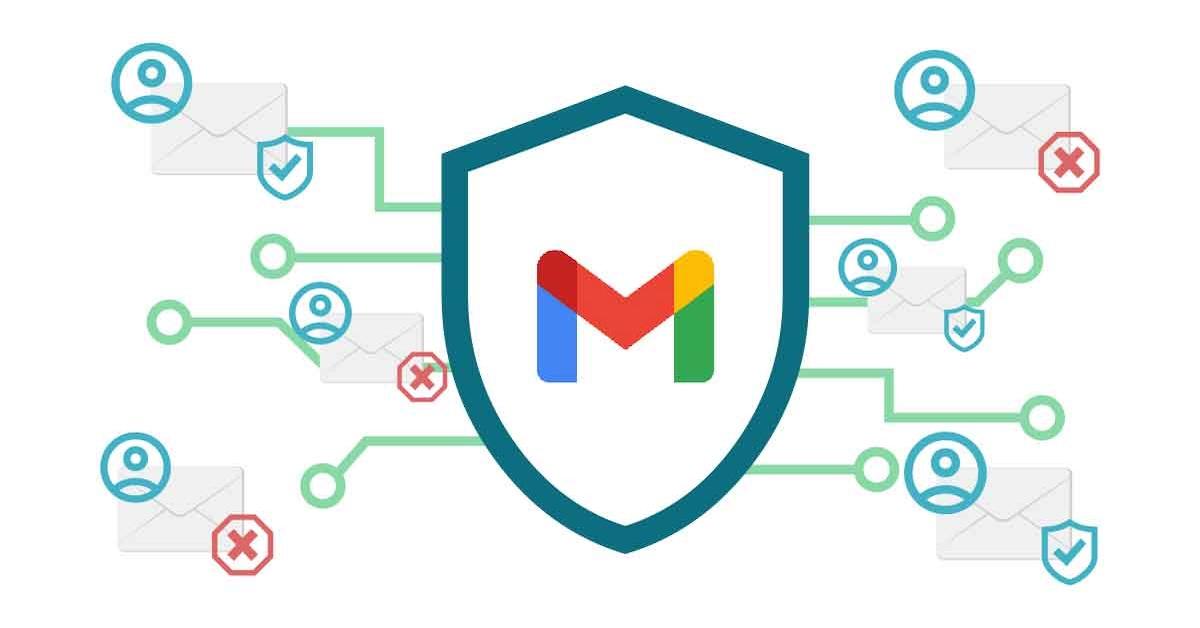
To boost your AI email filter’s performance, start by identifying your priority categories-such as work, promotions, or personal messages-and training the AI with sample emails for each. Use clear keywords and set specific filter rules to guide the AI’s decision-making, but allow it to learn from corrections over time. Remember to periodically review the filter’s actions to refine accuracy and prevent important emails from slipping through. Additionally, leverage tools like confidence scoring to adjust how strictly emails are sorted, tailoring the sensitivity to your inbox’s unique flow. Implementing these strategies can create a seamless, highly efficient email management system that adapts to your routine without overwhelming you.
Q&A
Q&A: Use AI to Automatically Sort Your Emails
Q1: What is AI-powered email sorting?
A1: AI-powered email sorting employs artificial intelligence algorithms to analyze the content, sender, and context of incoming emails and automatically categorize them into folders such as Primary, Promotions, Social, or Custom tags. This helps users manage their inboxes more efficiently without manually sifting through every message.
Q2: How does AI know where to sort my emails?
A2: AI models learn from patterns in your email interactions-like which messages you open first, which you reply to, and keywords within the emails. Over time, the AI develops an understanding of your preferences and applies them to new emails, improving accuracy with each use.
Q3: Can AI sorting reduce email clutter?
A3: Absolutely. By automatically filtering newsletters, spam, and less urgent emails into designated folders, AI helps keep your main inbox clear for important, actionable messages, enhancing productivity and reducing stress.
Q4: Is AI email sorting secure?
A4: Security depends largely on the service provider. Reputable AI email sorting tools prioritize data privacy, encrypting your emails and processing them securely. Users should review the privacy policies and ensure the AI tool complies with relevant regulations before enabling these features.
Q5: Will AI sorting ever misclassify important emails?
A5: While AI sorting is quite sophisticated, it’s not flawless. Occasionally, important emails might end up in less visible folders. Most systems allow you to “teach” the AI by moving emails back to the correct folder, helping it learn and improve over time.
Q6: How do I get started with AI email sorting?
A6: Many modern email platforms like Gmail and Outlook already incorporate AI-based sorting features. You can enable them in your inbox settings or explore third-party apps and browser extensions designed specifically for intelligent email management.
Q7: Can AI sorting handle multiple languages and formats?
A7: Yes, advanced AI email sorting tools are trained with multilingual datasets and can recognize various email formats, making them versatile for global users.
Q8: Will AI sorting replace traditional email filters?
A8: AI sorting complements traditional filters rather than replacing them entirely. AI offers dynamic categorization based on content and behavior, while manual filters still allow users granular control through custom rules.
Q9: How does AI impact my email workflow?
A9: By automating the repetitive and time-consuming task of sorting, AI frees you up to focus on high-priority communications and reduces decision fatigue, leading to a more streamlined and less overwhelming email experience.
Q10: What’s the future of AI in email management?
A10: As AI advances, we can expect smarter, context-aware assistants that not only sort emails but also summarize messages, suggest replies, prioritize tasks, and integrate with calendars to turn your inbox into a proactive productivity hub.
Final Thoughts
In a world where our inboxes never seem to take a break, letting AI step in as your digital assistant can transform the chaos into clarity. By automatically sorting your emails, AI not only saves your time but also helps you focus on what truly matters. As these intelligent systems continue to evolve, embracing AI-driven organization might just be the key to reclaiming control over your daily communications-turning the overwhelming flood of messages into a manageable stream, one smart algorithm at a time.