
In the bustling digital landscape, where countless blogs compete for a fleeting moment of attention, the power of a striking thumbnail cannot be overstated. Crafting a clickable blog thumbnail is no longer just an art-it’s a science, increasingly guided by the precision and creativity of artificial intelligence. This article explores how AI can transform the way you design blog thumbnails, helping your content stand out in a sea of endless scrolls. From intelligent image selection to automated editing, discover the tools and techniques that will elevate your visual storytelling and boost your click-through rates with ease.
Table of Contents
- Harnessing AI Tools to Design Engaging Blog Thumbnails
- Optimizing Visual Elements with AI for Maximum Clickability
- Step-by-Step Guide to Using AI for Custom Thumbnail Creation
- Q&A
- To Conclude

Harnessing AI Tools to Design Engaging Blog Thumbnails
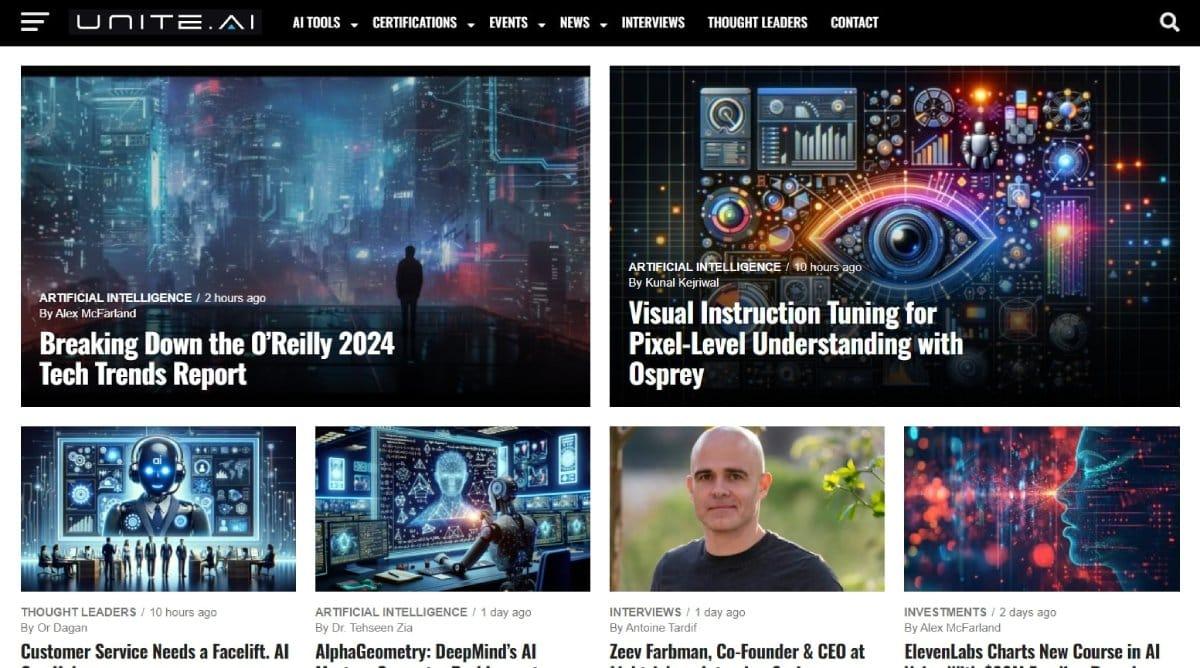
AI-powered design tools have transformed the way bloggers create compelling visuals, enabling even novices to produce professional-grade thumbnails with ease. These intelligent platforms analyze image composition, color harmony, and text placement to automatically generate eye-catching layouts that boost click-through rates. By incorporating automated background removal, dynamic font pairing, and emotion-based color suggestions, creators can ensure their thumbnails resonate with target audiences instantly. For a streamlined process, consider focusing on:
- Smart cropping to highlight the focal point.
- AI-generated text enhancements that balance readability with design.
- Adaptive templates that optimize for various platforms and screen sizes.
| Tool Feature | Benefit | Time Saved |
|---|---|---|
| Auto Background Removal | Seamless subject isolation | 5 mins |
| Color Palette Generator | Consistent visual identity | 3 mins |
| Text Style Suggestions | Improved readability | 4 mins |
Optimizing Visual Elements with AI for Maximum Clickability
Leveraging AI to enhance visual appeal isn’t just about pretty pictures – it’s a strategic move to boost engagement. By integrating AI-powered tools, you can dynamically analyze which colors, fonts, and layouts resonate most with your audience. These tools often include:
- Automatic image cropping to focus on compelling focal points
- Color palette suggestions tailored to evoke specific emotions
- Smart typography choices that improve readability on all devices
- Adaptive brightness and contrast adjustments that catch the eye
Additionally, AI-driven A/B testing platforms allow for real-time refinement, presenting different thumbnail versions and identifying the highest-performing design. Consider the quick guide below for how AI enhances key visual elements:
| Visual Element | AI Optimization Benefit |
|---|---|
| Image Composition | Highlights subject to increase focal engagement |
| Color Scheme | Boosts emotional response with data-driven palettes |
| Font Styling | Ensures clarity and brand consistency |
| Lighting & Contrast | Amplifies visibility in crowded feeds |
Step-by-Step Guide to Using AI for Custom Thumbnail Creation
Begin by selecting an AI-powered design tool that suits your style needs-options like Canva’s AI features or Adobe Firefly offer intuitive interfaces. Upload your blog’s main image or key visual elements to serve as a foundation. Use the AI’s suggestion tools to generate thumbnail layouts that balance eye-catching colors with readable text overlays-think bold fonts and contrasting backgrounds. Customize the AI’s output by adjusting elements such as focal points, brightness, and text placement until the thumbnail clearly conveys your post’s theme with impact. Finally, export the thumbnail in optimized web formats (JPEG or PNG) to guarantee fast loading without sacrificing quality. To keep your creative process smooth, follow this quick comparison of AI tool features for thumbnail creation:
| Tool | Key Feature | Best For |
|---|---|---|
| Canva AI | Template suggestions | Beginners |
| Adobe Firefly | Advanced editing | Professional look |
| Fotor AI | Auto-enhancement | Quick fixes |
Q&A
Q&A: How to Use AI to Create Clickable Blog Thumbnails
Q1: Why are clickable blog thumbnails important?
A1: Thumbnails act as the visual gateway to your blog content. A compelling, clickable thumbnail grabs readers’ attention quickly, boosting click-through rates and driving more traffic to your site. In a crowded digital space, a well-designed thumbnail can make the difference between a skimmed link and a captivated reader.
Q2: How can AI help in creating blog thumbnails?
A2: AI tools streamline thumbnail creation by automating design elements like image selection, color balancing, and text overlay. They can suggest layouts, enhance visuals, and even generate custom graphics tailored to your content theme, saving time and ensuring a professional look that resonates with your audience.
Q3: What are some popular AI tools for thumbnail creation?
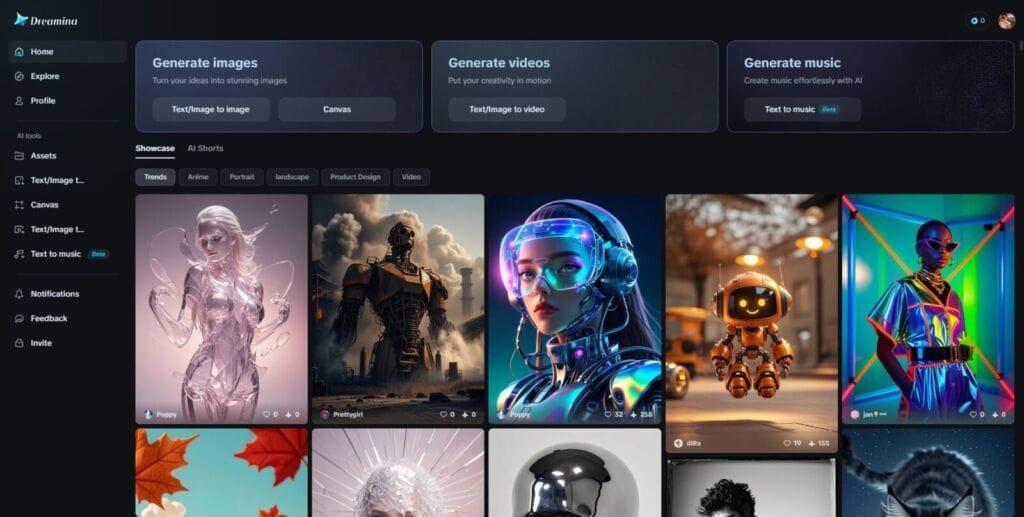
A3: Some notable AI-powered design platforms include Canva’s Magic Resize and Background Remover, Adobe Express with AI enhancements, and AI-driven image generators like DALL·E or Midjourney. These tools provide intuitive interfaces and powerful features that simplify the creative process, even for non-designers.
Q4: What steps should I take to create an AI-enhanced blog thumbnail?
A4: Start by defining your blog’s theme and the message you want to convey. Use AI to generate or select relevant images. Apply AI features to optimize colors and contrast for attention-grabbing appeal. Add clear, concise text overlays using AI-suggested fonts and placements. Finally, test different versions for performance using analytics tools.
Q5: Can AI help personalize thumbnails for different audiences?
A5: Absolutely. AI can analyze demographic and behavioral data to tailor thumbnails that appeal to specific reader segments. Personalized visuals can increase engagement by aligning with audience preferences, cultural nuances, or trending interests.
Q6: Are there any pitfalls to using AI for thumbnail creation?
A6: While AI is a powerful aid, it can sometimes produce generic or overused designs if not guided carefully. It’s important to inject your unique brand voice and style into the process. Additionally, reviewing and refining AI outputs ensures the thumbnail aligns perfectly with your content identity and standards.
Q7: How do AI-generated thumbnails affect SEO and social sharing?
A7: Eye-catching thumbnails can improve user interaction metrics such as click-through rate and time on page, which positively influence SEO rankings. For social sharing, attractive thumbnails increase the likelihood of clicks and shares, amplifying your blog’s reach organically.
Q8: What’s the future outlook for AI in blog thumbnail creation?
A8: AI is set to become even more intelligent and intuitive, offering real-time customization and deeper integration with content management systems. Expect more automated A/B testing, predictive design adjustments based on audience trends, and seamless cross-platform thumbnail optimization, making clickable thumbnails smarter and more effective than ever.
To Conclude
In the ever-evolving landscape of digital content, mastering the art of creating clickable blog thumbnails with AI is no longer a futuristic dream but an accessible reality. By harnessing the power of intelligent tools, you can craft visuals that not only capture attention but also tell a compelling story at a glance. As AI continues to refine its creative capabilities, your thumbnails can become sharper, more personalized, and irresistibly clickable-inviting readers into your world with just one glance. Embrace this blend of technology and creativity, and watch your blog’s engagement soar, one thumbnail at a time.