In a world brimming with distractions and endless to-do lists, finding clarity through simplicity can feel like a radical act. Enter the minimalist productivity system-a streamlined approach designed to cut through the noise and prioritize what truly matters. Now, imagine pairing that simplicity with the cutting-edge intelligence of artificial intelligence. The result? A productivity framework that’s not only sleek and efficient but also smart enough to adapt to your unique rhythms and needs. In this article, we’ll explore how to harness AI to build a minimalist productivity system that elevates your focus, reduces overwhelm, and helps you achieve more with less.
Table of Contents
- Harnessing AI to Streamline Task Management and Prioritization
- Integrating Intelligent Automation for Seamless Workflow Optimization
- Tailoring AI Tools to Foster Focus and Eliminate Digital Clutter
- Q&A
- Insights and Conclusions

Harnessing AI to Streamline Task Management and Prioritization
Integrating AI into your productivity framework transforms the chaos of daily tasks into a symphony of efficiency by leveraging its unmatched analytical power to:
- Automatically categorize tasks based on urgency, context, and estimated effort, freeing you from manual sorting.
- Predict optimal timing for task completion by analyzing your past productivity patterns and personal energy peaks.
- Continuously adapt priorities as new tasks and deadlines emerge, ensuring your focus remains aligned with evolving goals.
Instead of overwhelming you with to-dos, the AI acts as a smart assistant, guiding decisions by highlighting what truly matters each day.
| Function | Benefit | Example Tool |
|---|---|---|
| Task Prioritization | Focus on high-impact work first | Todoist Smart Schedule |
| Contextual Categorization | Organize by project, location, or mood | Microsoft To Do My Day |
| Adaptive Scheduling | Reschedule based on progress & deadlines | ClickUp AI Assistant |
Integrating Intelligent Automation for Seamless Workflow Optimization
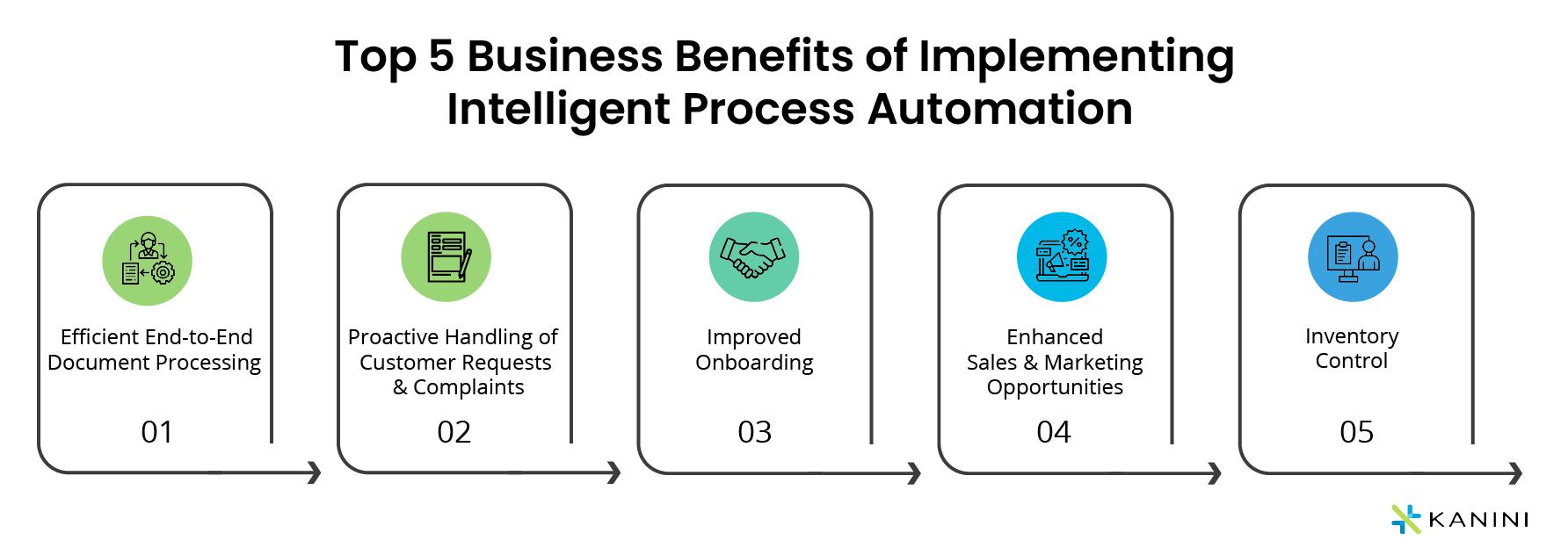
Harnessing AI to enhance your productivity system means weaving automation into everyday tasks without overcomplicating your process. By strategically setting up intelligent triggers and routines, you allow AI to handle repetitive chores, enabling uninterrupted focus on creative or high-level thinking. Consider integrating tools that can:
- Automatically sort and prioritize emails based on urgency and sender importance
- Schedule and adjust your calendar dynamically according to your work patterns
- Generate concise summaries from lengthy documents, freeing time for action
- Monitor project progress and send reminders before deadlines approach
This symbiotic approach not only saves time but cultivates a minimalist environment where every automated action further streamlines your workflow-turning complexity into simplicity without losing control.
Tailoring AI Tools to Foster Focus and Eliminate Digital Clutter
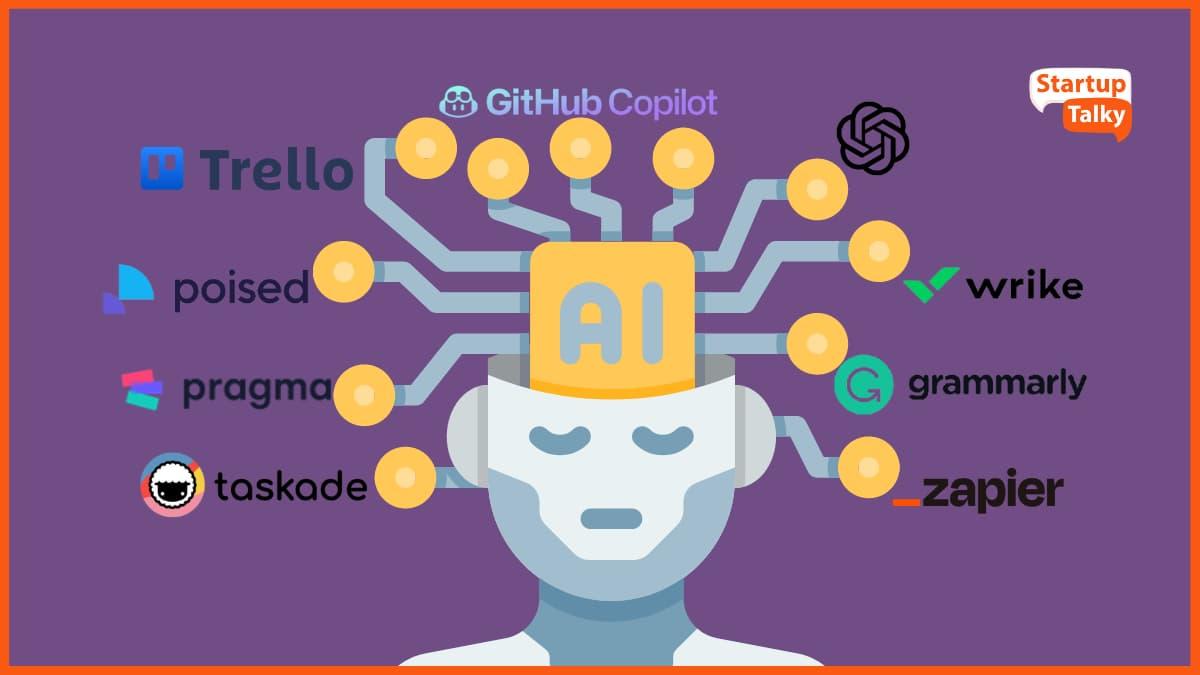
Harness the power of AI by customizing your digital environment to keep distractions at bay and streamline your workflow. Begin by integrating smart filtering tools that prioritize your most essential notifications, ensuring that only relevant alerts break your concentration. Utilize adaptive task managers that learn your habits and dynamically reorder your to-do list based on urgency and focus periods. Incorporate AI-driven decluttering assistants to periodically scan and archive outdated files, emails, and applications, creating a clean and minimalist workspace. Below is a simple comparison of AI features to consider when curating your productivity setup:
| Feature | Focus Benefit | Clutter Reduction |
|---|---|---|
| Smart Notifications | Limits interruptions | Filters non-urgent alerts |
| Adaptive Scheduling | Optimizes work blocks | Removes redundant tasks |
| Declutter Automation | Clears distractions | Manages digital mess |
Q&A
Q&A: How to Use AI to Build a Minimalist Productivity System
Q1: What is a minimalist productivity system, and why combine it with AI?
A: A minimalist productivity system focuses on simplicity-using few tools and clear priorities to maximize efficiency without clutter. Integrating AI enhances this by automating repetitive tasks, providing intelligent suggestions, and streamlining workflows, all while maintaining that clean, focused approach.
Q2: How can AI help me decide which tasks deserve my attention?
A: AI can analyze your deadlines, priorities, and past work habits to highlight tasks with the highest impact. By learning from your patterns, it nudges you toward focusing on what truly moves the needle, reducing decision fatigue and keeping your system crisp and intentional.
Q3: What tools should I consider when building an AI-powered minimalist system?
A: Start with AI-enabled note-taking apps like Obsidian or Notion, which help organize information seamlessly. Use smart to-do lists like Todoist or Microsoft To Do enhanced with AI prioritization. Incorporate calendar assistants like Google Calendar’s AI features for scheduling, all chosen for their ability to integrate without overwhelming you.
Q4: How do I keep my productivity system minimalist despite adding AI?
A: Opt for AI features that automate without adding extra layers. Resist the temptation to use every AI tool; instead, select one or two that address your biggest productivity pain points. Regularly audit your system to eliminate redundant steps and maintain clarity.
Q5: Can AI help reduce burnout in managing tasks?
A: Absolutely. AI lightens mental load by automating routine duties, reminding you of breaks, and even suggesting time blocks for deep work and rest. This balance keeps your workflow sustainable and your minimalist system supportive rather than stressful.
Q6: How do I train AI tools to adapt to my unique workflow?
A: Consistency is key. Engage regularly with your chosen AI apps, correcting and customizing their suggestions. Over time, they learn your preferences, optimizing reminders, task rankings, and insights tailored specifically to you-reinforcing that personal minimalist groove.
Q7: What’s one common pitfall when integrating AI into productivity, and how can I avoid it?
A: Overcomplicating your system by layering too many AI apps is a frequent trap. Avoid this by clearly defining your productivity goals and choosing AI solutions that serve those goals simply. Less is more, especially when automation should feel like a helpful partner, not an overwhelming manager.
Q8: How do I get started right now?
A: Begin by identifying one mundane or time-consuming task to automate-like scheduling, note-taking, or prioritization. Choose an AI tool that handles that task elegantly, integrate it into your daily routine, and observe how it frees mental space. From there, build gradually while keeping minimalism front and center.
This Q&A guides readers through creatively combining AI with minimalist principles-helping them craft productivity systems that are smart, simple, and deeply personal.
Insights and Conclusions
As we navigate the evolving landscape of productivity, AI emerges not just as a tool, but as a quiet partner-streamlining the complex into simplicity. Building a minimalist productivity system with AI isn’t about adding noise; it’s about refining focus, decluttering tasks, and empowering your workflow to breathe effortlessly. By embracing intelligent automation and thoughtful design, you can craft a workspace that respects your time and amplifies your intent. In the end, the art of productivity isn’t about doing more-it’s about doing what matters, more mindfully. And with AI as your guide, minimalism finds a new rhythm-one that’s efficient, elegant, and uniquely yours.