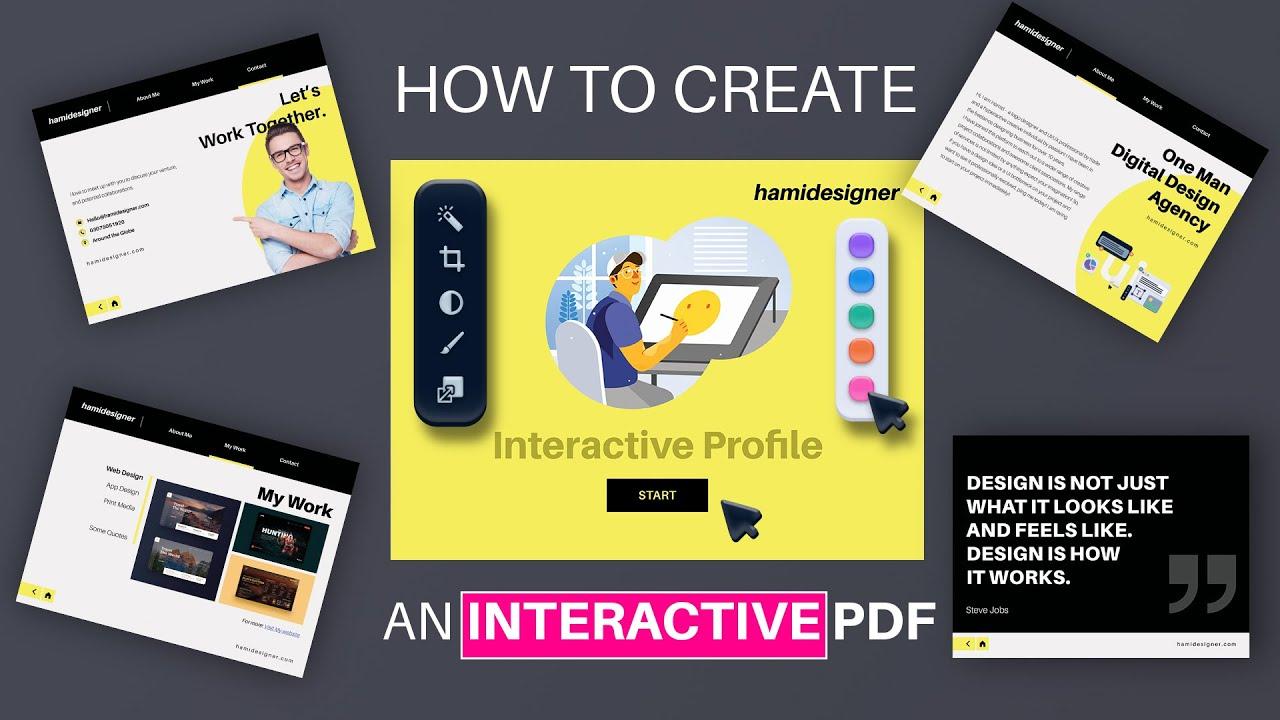
In the evolving landscape of digital content, interactive PDFs have emerged as a powerful medium to engage readers beyond static text and images. Whether for education, marketing, or corporate communication, adding interactivity transforms ordinary documents into dynamic experiences that capture attention and enhance understanding. At the heart of this transformation are AI-powered tools that simplify and elevate the creation process, bringing advanced features like intelligent form recognition, adaptive layouts, and interactive elements within reach of creators of all skill levels. This article explores the best AI tools for crafting interactive PDFs, highlighting how artificial intelligence is reshaping the way we design, share, and interact with digital documents.
Table of Contents
- Best AI Tools Revolutionizing Interactive PDF Creation
- Unlocking Advanced Features for Engaging PDF Experiences
- Expert Recommendations for Choosing the Ideal AI-Powered PDF Tool
- Q&A
- Final Thoughts
Best AI Tools Revolutionizing Interactive PDF Creation
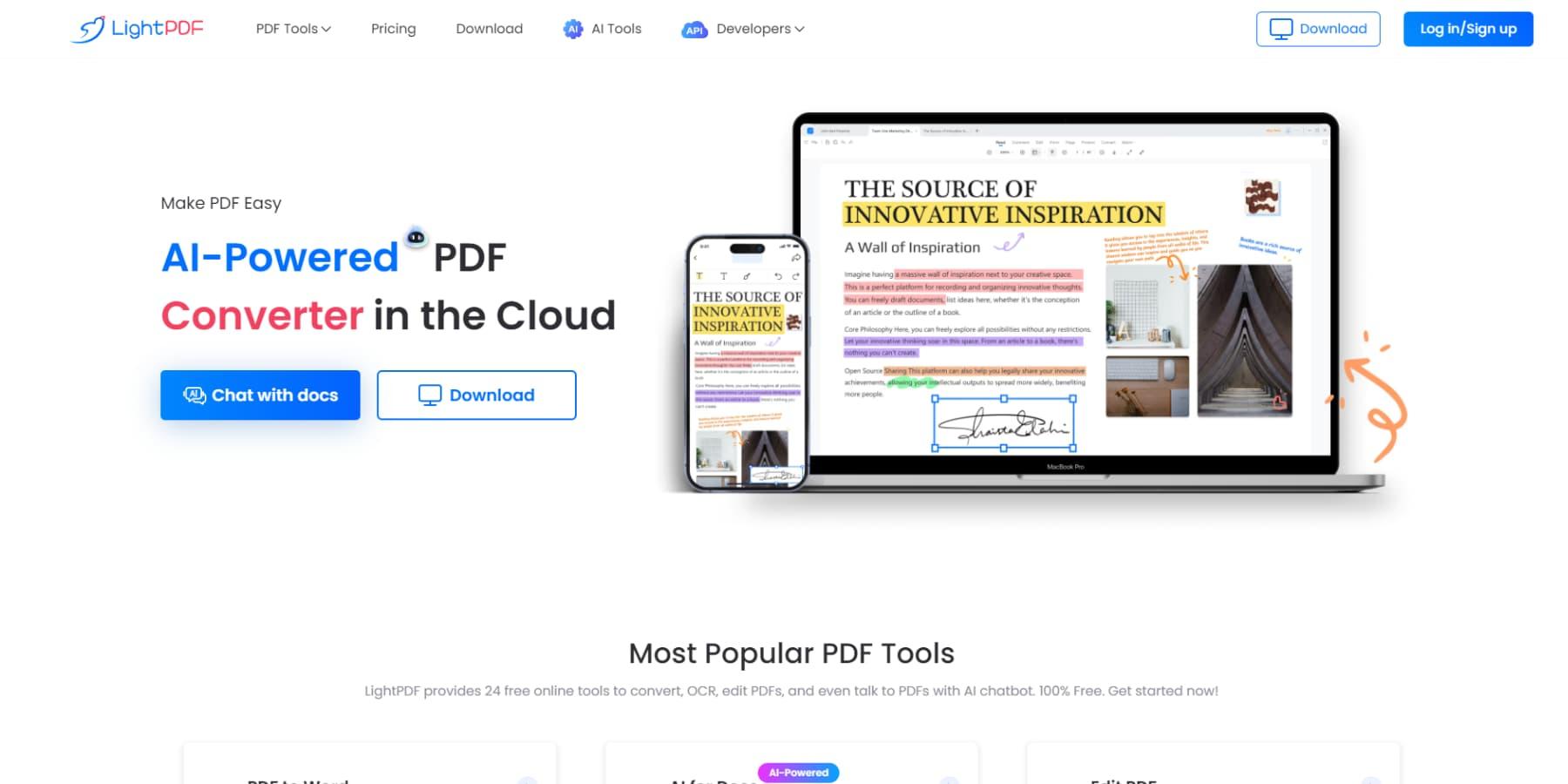
Exploring the landscape of AI-driven interactive PDF creation unveils a suite of tools designed to elevate engagement and streamline design. Adobe Acrobat Pro DC now integrates AI to suggest intuitive form fields and interactive elements, saving time while enhancing usability. Meanwhile, Canva’s AI-powered PDF editor offers seamless drag-and-drop interactivity combined with smart layout adjustments, perfect for marketers and educators. For a more developer-centric approach, PDF.ai harnesses natural language processing to generate dynamic content and embed multimedia intuitively. The synergy of these tools empowers users to craft PDFs enriched with clickable buttons, video embeds, real-time data fields, and responsive feedback features, transforming passive documents into engaging experiences.
| Tool | Key AI Feature | Ideal For |
|---|---|---|
| Adobe Acrobat Pro DC | AI-driven form recognition & suggestions | Business professionals |
| Canva PDF Editor | Smart layout & interactive design | Marketers & educators |
| PDF.ai | Natural language content embedding | Developers & content creators |
Unlocking Advanced Features for Engaging PDF Experiences
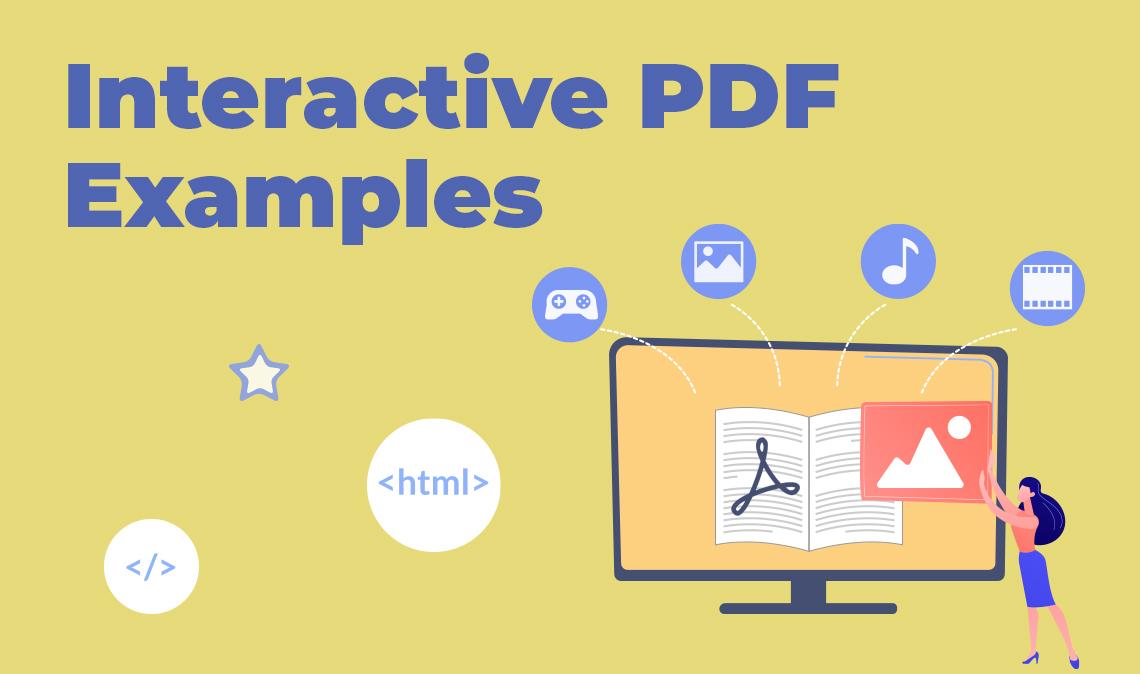
Delving into the realm of interactive PDFs reveals a wealth of possibilities designed to captivate and engage your audience more dynamically. Modern AI tools empower creators to seamlessly embed multimedia elements like videos and audio clips, incorporate real-time data fields, and design intelligent navigation systems that adapt based on user interaction. Beyond static text and images, these technologies foster an immersive experience by enabling features such as:
- Interactive forms with auto-population and validation features
- Customizable animations that guide readers through complex content
- AI-powered content recommendations embedded directly within the document
- Seamless integration with cloud services for real-time updates
Here’s a quick overview of what some top AI platforms offer in terms of advanced PDF enhancements:
| Tool | Key Feature | Best Use Case |
|---|---|---|
| PDFGenie AI | Smart form fields & validation | Customer feedback forms |
| DocuVista | AI-driven content adaptation | Personalized learning materials |
| MediaMerge Pro | Embedded multimedia & animations | Marketing brochures |
Expert Recommendations for Choosing the Ideal AI-Powered PDF Tool
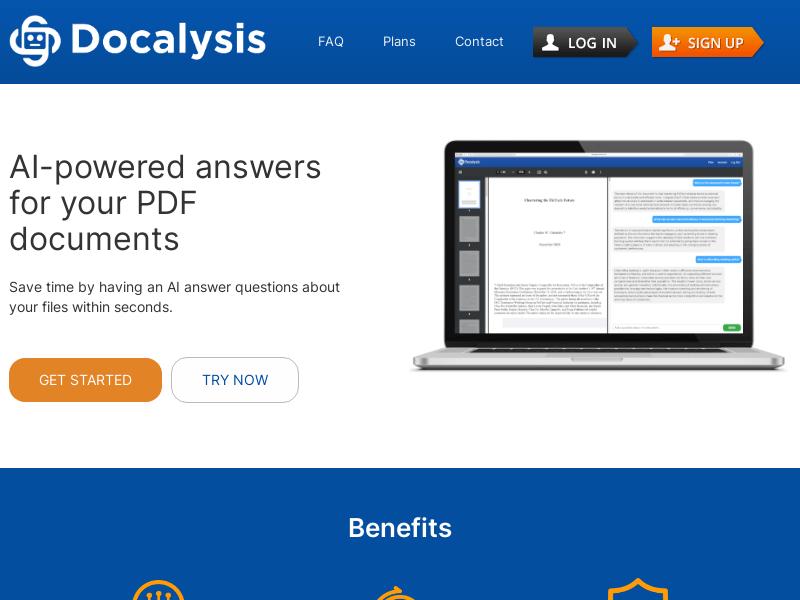
When selecting the perfect AI-powered PDF tool, focus on features that enhance both functionality and user experience. Prioritize tools with intuitive AI-driven content recognition that can automatically identify and tag key elements, making interactive elements seamless. Look for robust customization options that allow you to embed multimedia, forms, and hyperlinks effortlessly. Integration capabilities with existing platforms, like CRM or cloud storage services, amplify productivity and streamline workflows. Security is paramount, so ensure the tool supports advanced encryption and permission settings. Lastly, consider customer support and regular updates to keep pace with evolving AI trends, ensuring your interactive PDFs remain cutting-edge and reliable.
Q&A
Q&A: Best AI Tools for Creating Interactive PDFs
Q1: What makes a PDF “interactive,” and why use AI tools to create them?
A1: An interactive PDF goes beyond static text and images by incorporating elements like clickable buttons, forms, multimedia, and animations that engage readers directly. AI tools streamline and enhance this process by automating design suggestions, optimizing layout, generating interactive components, and even personalizing content based on user interaction. This reduces manual work and elevates the reader’s experience.
Q2: Which AI tools are considered top-tier for creating interactive PDFs?
A2: Some leading AI-powered tools include Adobe Acrobat Pro (with AI-driven editing and form recognition), Canva’s AI features (automated design templates and element suggestions), and PDF Monkey (which uses AI to generate dynamic, data-driven PDFs). Emerging platforms like ScribeFlow integrate AI to automate workflow creation, making PDFs highly interactive without extensive coding.
Q3: How do AI capabilities improve the design process for interactive PDFs?
A3: AI analyzes your content and suggests optimal layouts, color schemes, and interactive elements tailored to your target audience. It can detect and convert static text into fillable forms, automatically tag images for accessibility, and even recommend multimedia additions to enhance engagement. This intelligent assistance helps creators produce professional-quality interactive PDFs faster.
Q4: Can AI-generated interactive PDFs be customized for different audiences?
A4: Absolutely. AI can tailor content dynamically based on user data or interaction patterns. For instance, it can adjust form questions, highlight relevant sections, or display personalized multimedia within the PDF. This level of customization enhances relevance and can significantly improve user satisfaction and conversion rates.
Q5: Are there any limitations or challenges when using AI tools for interactive PDFs?
A5: While AI tools greatly simplify creation, they sometimes lack nuanced human judgment, which can affect design aesthetics or content accuracy. Additionally, complex interactions or animations might require manual tweaking or coding expertise. Users should also consider privacy and security around data-driven personalization.
Q6: What future trends can we expect in AI-driven interactive PDF creation?
A6: Future AI tools will likely incorporate deeper natural language understanding, allowing PDFs to respond conversationally or adapt content in real-time. Enhanced integration with AR/VR elements and voice commands could transform PDFs into immersive multimedia experiences. Moreover, collaboration features powered by AI will streamline team workflows in producing interactive documents.
Q7: How can beginners get started with AI tools for interactive PDFs?
A7: Starting with user-friendly platforms like Canva or Adobe Acrobat Pro is a good way to explore AI-assisted features. Many offer tutorials and templates to ease beginners into creating interactive PDFs. Experimenting with basic interactive elements and gradually integrating AI automation can build confidence and expertise over time.
Final Thoughts
As the landscape of digital content continues to evolve, harnessing the power of AI tools to create interactive PDFs opens up new horizons for engagement and creativity. Whether you are a designer, educator, or marketer, these intelligent solutions provide the flexibility and innovation needed to transform static documents into dynamic experiences. By embracing these cutting-edge technologies, you can not only enhance user interaction but also streamline your workflow, making the creation process as seamless as the final product is captivating. The future of PDFs is interactive-and with the right AI tools in hand, you’re well-equipped to lead the way.